For mission call openings
Guess My Mission
Before the letter is opened, everyone guesses where the missionary has been assigned to labor. Put the map on the TV, guests scan a code with their phones, and every guess pops onto the screen.
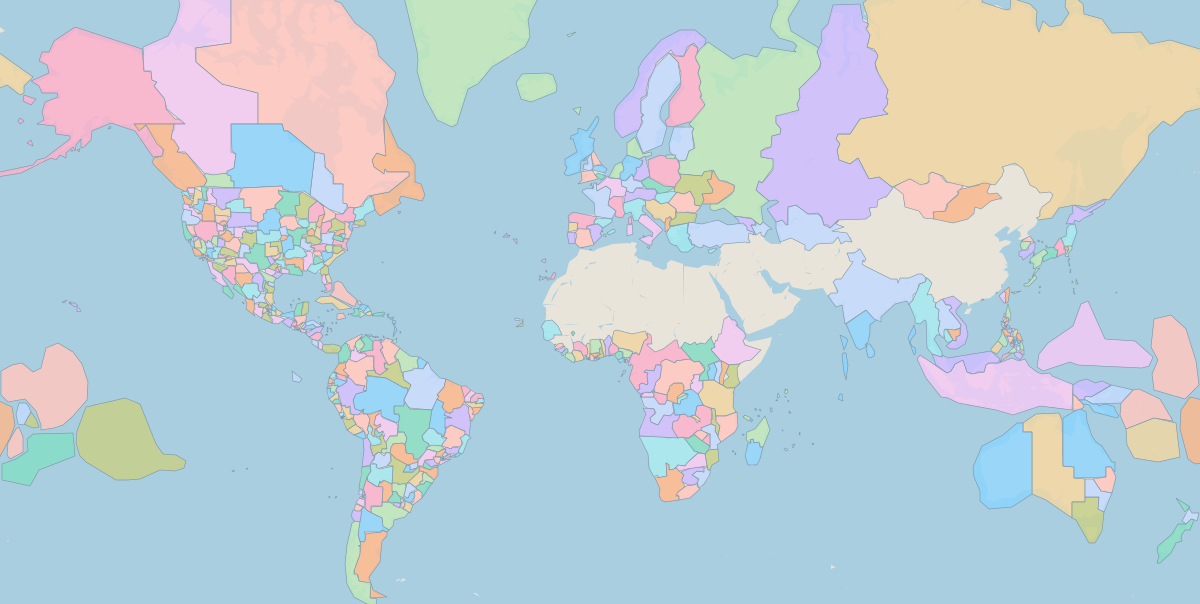
How it works
Put the map on the TV
Start a session on the computer connected to the TV and add the missionary’s name. A big QR code shows until the first guess arrives.
Everyone guesses on their phone
Guests scan the code, type their name and tap the map. They can read about the mission under their pin before they lock it in.
Watch the guesses land
Each guess drops onto the map with confetti. The screen tours every guess, shows the room’s favourite, and shares mission facts while you wait.
Host tips
- Start a session a few minutes before the letter, so everyone has time to scan.
- Press Full screen on the TV, and Pause tour when it is time to read the call.
- No phone? Add their guess from yours with “Add a guess for someone else”.
- No accounts or apps are needed, and each session is deleted automatically after two days.